
How to Install and Activate a SIMZY eSIM on iPhone

Setting up a SIM card or eSIM, to use on your iPhone is much easier and can save you money. Instead of carrying a physical card, an eSIM is a digital SIM embedded in your device that allows you to connect to a local telecommunications network digitally.
If you like your phone number and don't want to give it up, you can keep your regular mobile service on one SIM and use an additional internet line through a physical SIM or the second SIM slot on your iPhone. A SIMZY travel data eSIM helps you set up your network details ahead of time, so you can be up and running with high-speed internet as soon as you arrive at your destination.
What is Dual SIM Technology and How Does It Work on iPhone?
Dual SIM allows your device to use more than one SIM and/or eSIM simultaneously, connecting to two different networks. On iPhone XR and newer models, Dual SIM gives you flexibility to:
Separate Voice and Data:
Use your primary home line for calling and texting while routing all mobile data through your SIMZY eSIM.
Keep Work and Personal Numbers Separate:
Maintain one number for business calls and another for personal use on a single device.
Store Multiple eSIMs:
Keep multiple eSIM profiles saved on your device and easily activate the relevant plan when you travel.
Is Your iPhone eSIM-Compatible and Unlocked?
Before purchasing an eSIM, confirm that your iPhone meets two simple requirements:
Check for eSIM Compatibility:
Go to Settings > Mobile Data (or Cellular). If you see the option to Add eSIM, your iPhone supports eSIM.
Check Carrier Lock Status: Go to Settings > General > About, scroll down to Carrier Lock, and confirm that it reads No SIM restrictions. Your iPhone must be carrier-unlocked to use travel data plans.
Supported Models: Compatible with iPhone XR, XS, XS Max, iPhone 11, 12, 13, 14, 15, 16, and 17 series, as well as iPhone SE (2nd and 3rd generation) running iOS 12 or later. Note that iPhones manufactured for mainland China feature dual physical SIM slots and do not support digital eSIMs.
Critical Pre-Installation Rules: Wi-Fi and Home Country Setup
Active Wi-Fi Connection Required:
Downloading an eSIM profile requires an active internet connection to download carrier provisioning files. Complete the installation while connected to a stable Wi-Fi network at home.
3-Step Setup Guide for SIMZY on iPhone
Step 1: Choose Your Plan and Select Your Start Date
Visit simzy.com or the SIMZY web portal and select your destination across Europe, Asia & Oceania, or North America.
Enter your details, complete the 6-digit email OTP verification, and check your inbox for your instant confirmation email and QR code.
Step 2: Install Your eSIM Profile
Connect your iPhone to Wi-Fi.
Open the Camera app, point it at the QR code in your confirmation email, and follow the setup prompt.
Alternatively, go to Settings > Mobile Data > Add eSIM, choose Use QR Code, or enter your activation code manually.
Follow the on-screen steps and label your new line SIMZY.
Step 3: Connect Upon Landing
When your plan start date begins and you arrive at your destination:
Go to Settings > Mobile Data (or Cellular).
Set Mobile Data to SIMZY and set Default Voice Line to your Primary home line.
Switch Allow Mobile Data Switching to OFF to prevent accidental roaming charges on your primary provider.
Tap your SIMZY line and switch Data Roaming to ON to connect to local high-speed networks.
Stay Connected Worldwide With SIMZY
Equipping your iPhone with a SIMZY travel eSIM gives you peace of mind on every trip:
Instant Digital Setup:
Activate in minutes without visiting physical stores or handling tiny plastic SIM cards.
Flexible Regional and Global Coverage:
Travel across multiple countries on a single regional plan.
Transparent Prepaid Rates:
Enjoy clear pricing with no unexpected overages or post-trip roaming bill shocks.
Manage Multiple eSIMs:
Access and organize your travel profiles seamlessly in one place under your SIMZY account.
Equipping your device with a dedicated travel eSIM lets you focus on discovering authentic neighborhoods, unforgettable landmarks, and local flavors without connectivity stress. Stay connected throughout your journey, capture every moment in real time, and explore your destination with freedom and confidence.
Keep reading

The Best eSIM for the USA (2026): The Updated Traveler's Guide
Find the best eSIM for the USA with SIMZY. Compare affordable data plans, including unlimited options, and stay connected without costly roaming fees.

The Ultimate South Korea Travel eSIM Guide: High-Speed Data in Seoul & Beyond
Stay connected throughout South Korea with a high-speed travel eSIM. Discover flexible eSIM plans for Seoul, Busan, Jeju, and beyond, with 5G data, voice and SMS options, easy activation, and reliable connectivity for your trip.
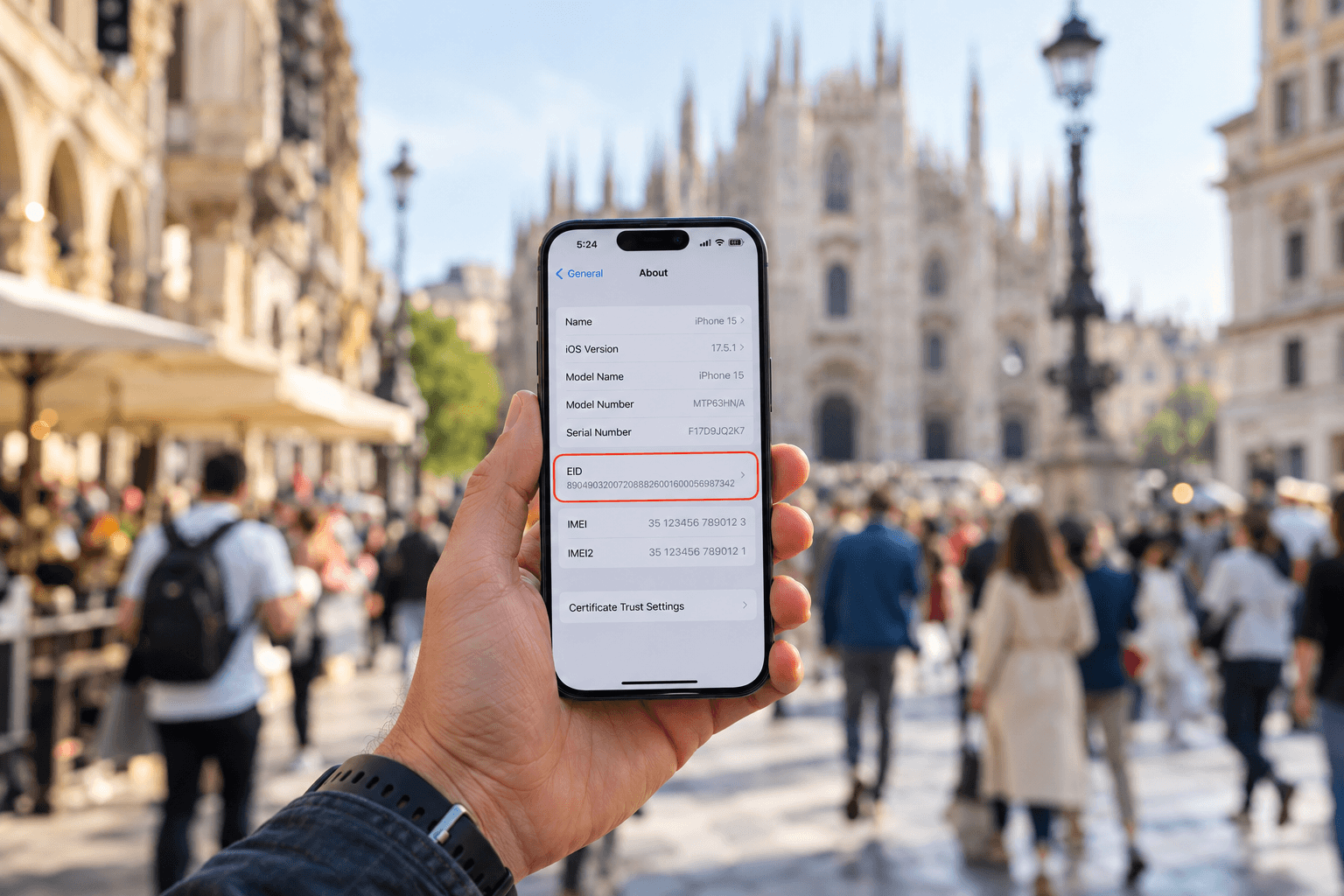
What is an EID number and how do you find it?
Learn what an EID number is, where to find it on iPhone and Android, and how it helps activate an eSIM. Get connected with a SIMZY eSIM today.