
How to Install and Activate Your SIMZY eSIM in 3 Easy Steps

International data should be effortless and not about fumbling with luggage tags or locating tiny SIM ejector pins in swarming terminals. Thanks to eSIM technology, there is no need to rely on physical SIM card slots, and it is possible to ensure internet connectivity from anywhere in the world through a software-based platform.
Whether you’re out on a quick trip, working remotely, or travelling as part of a group, SIMZY ensures easy selection, installation, and activation of your travel profile.
Before installing your eSIM, you'll need to purchase a suitable plan for your destination. Explore SIMZY eSIM plans and choose the right option for your trip.
Connect in 3 Easy Steps
1. Select Your Ideal SIMZY eSIM Plan
Look Over Packages: Find single-country choices or regional packages on the SIMZY application or website.
Adaptable Times: Select short-stay or long-term options of either the Daily Pass or the Nomad Plan (7, 14 or 30 days).
Checkout Made Easy: Schedule the date you want to activate your plan and complete the payment using various currencies.
2. Prepare Over Wi-Fi
Setup connection using a good home or hotel Wi-Fi connection before leaving.
For iOS: Open up the camera to scan the QR code, which can be found in your email or by going to Settings → Cellular → Add eSIM.
For Android: Open the camera and scan the code or go to Settings → Connections → SIM manager → add eSIM. You can also enter your activation code in case of problems.
Ready to install your eSIM? First, choose your SIMZY eSIM plan based on your destination, data needs, and trip duration. Once you've purchased your plan, you can follow the activation steps below.
3. Land, Setup and Start Browsing
When you reach your destination, you’ll automatically connect to the SIMZY eSIM Plans.
After you land at your destination, go to cellular settings where you can select SIMZY to use as the default line for mobile data.
Switch on Data Roaming to use the data with no surprises.
Pro Tech Tips for Stress-Free Travel
Set Up Dual SIM Line Routing: Use SIMZY for internet access and the primary SIM for voice calls and SMS. Ensure that Data Roaming is OFF on the main line to prevent roaming charges.
Get Offline Google Maps: Download city locations before leaving home so you can get around without worrying about any lapses in local coverage.
Set Updates to Wi-Fi Only: Make sure that all apps, including any system updates and high-quality images on cloud storage, are only downloaded when Wi-Fi is in use so that there is no data loss or interruption.
Request Transportation from Baggage Claim: Avoid waiting in long lines for taxis by simply opening Uber as soon as you pass customs.
Switching to a digital travel eSIM eliminates the need for swapping SIM cards. By the time you land, your SIMZY account will be in full working order, so you don’t have to worry about anything.
Once your SIMZY eSIM is installed and activated, you're ready to stay connected while travelling. If you haven't purchased your eSIM yet, explore SIMZY travel eSIM plans and find the right option for your destination.
Keep reading

Best eSIM for Japan in 2026: Stay Online from Narita to Kyoto
Find the best eSIM for Japan in 2026. Compare data plans, coverage, prices and setup tips to stay connected from Narita to Kyoto with SIMZY.
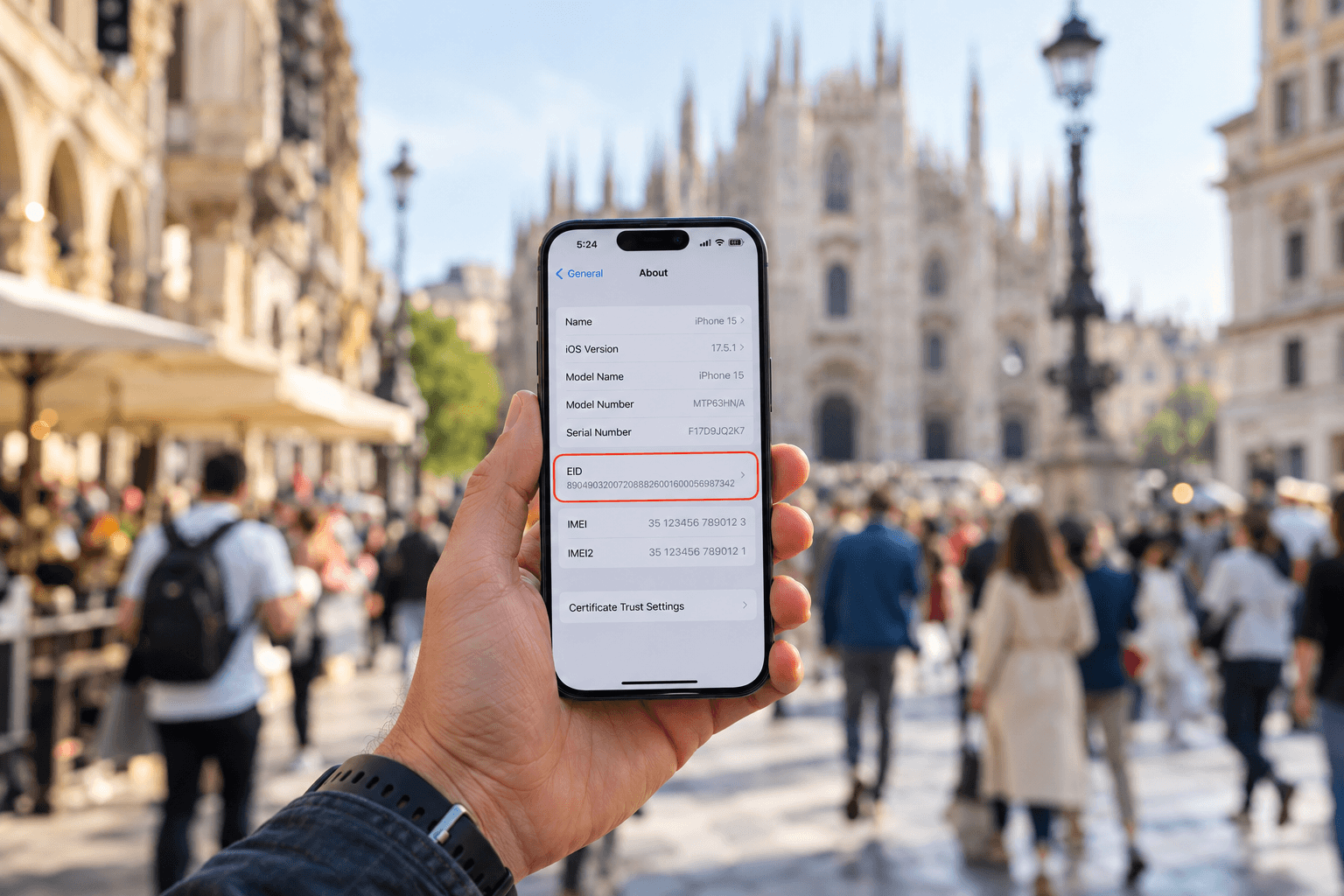
What is an EID number and how do you find it?
Learn what an EID number is, where to find it on iPhone and Android, and how it helps activate an eSIM. Get connected with a SIMZY eSIM today.

Will You Be Impacted by the Turkey eSIM Block? What Travelers Should Know
Is there an eSIM ban in Turkey? Learn about Turkey's eSIM restrictions, what they mean for travelers, and how to stay connected during your trip.